DataCever sits between every Mac app and the network, watches what flows, and lets you intervene when it's too much. Here's the tour, or .
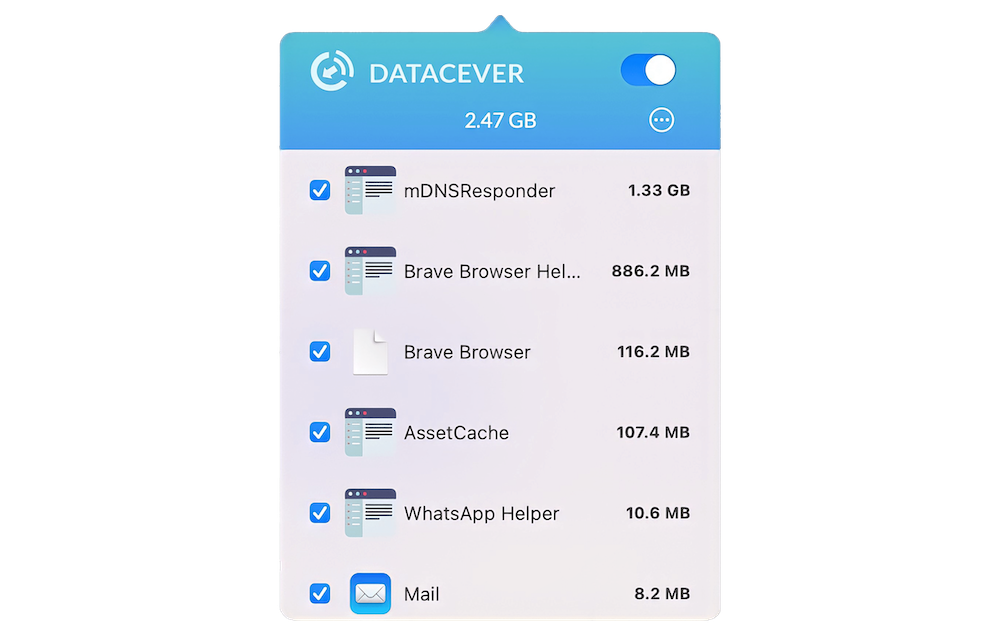
The menu-bar popover lists every running app, sorted by which one is hammering your connection right now. Numbers come from the macOS network framework: measured, not estimated.
Click any row to see today's total, this week's total, and the delta.
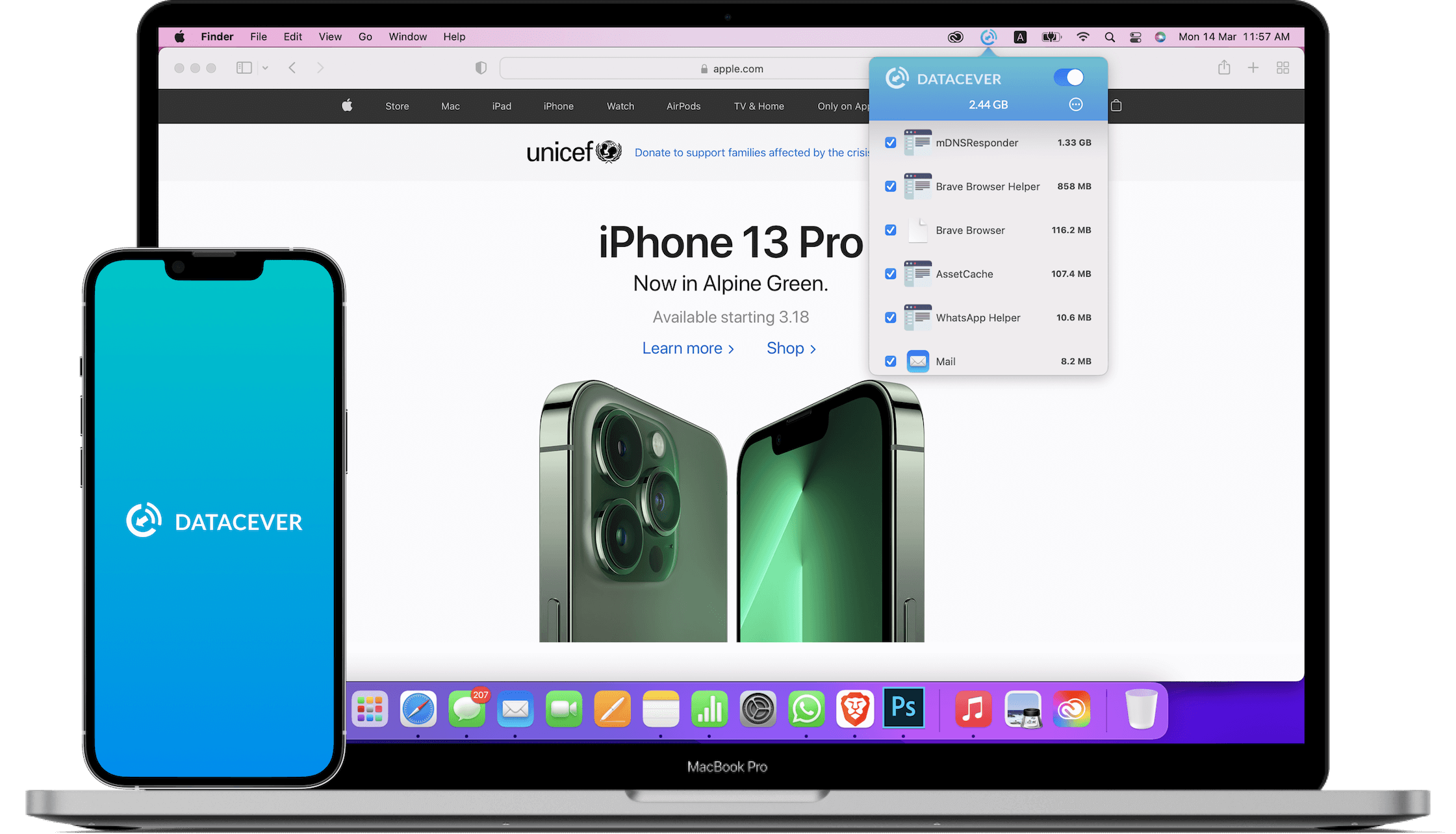
Every app row has a checkbox. Uncheck it, and DataCever stops every TCP, UDP, and DNS lookup from that app. No more iCloud chewing 200 MB/day in the background while you tether.
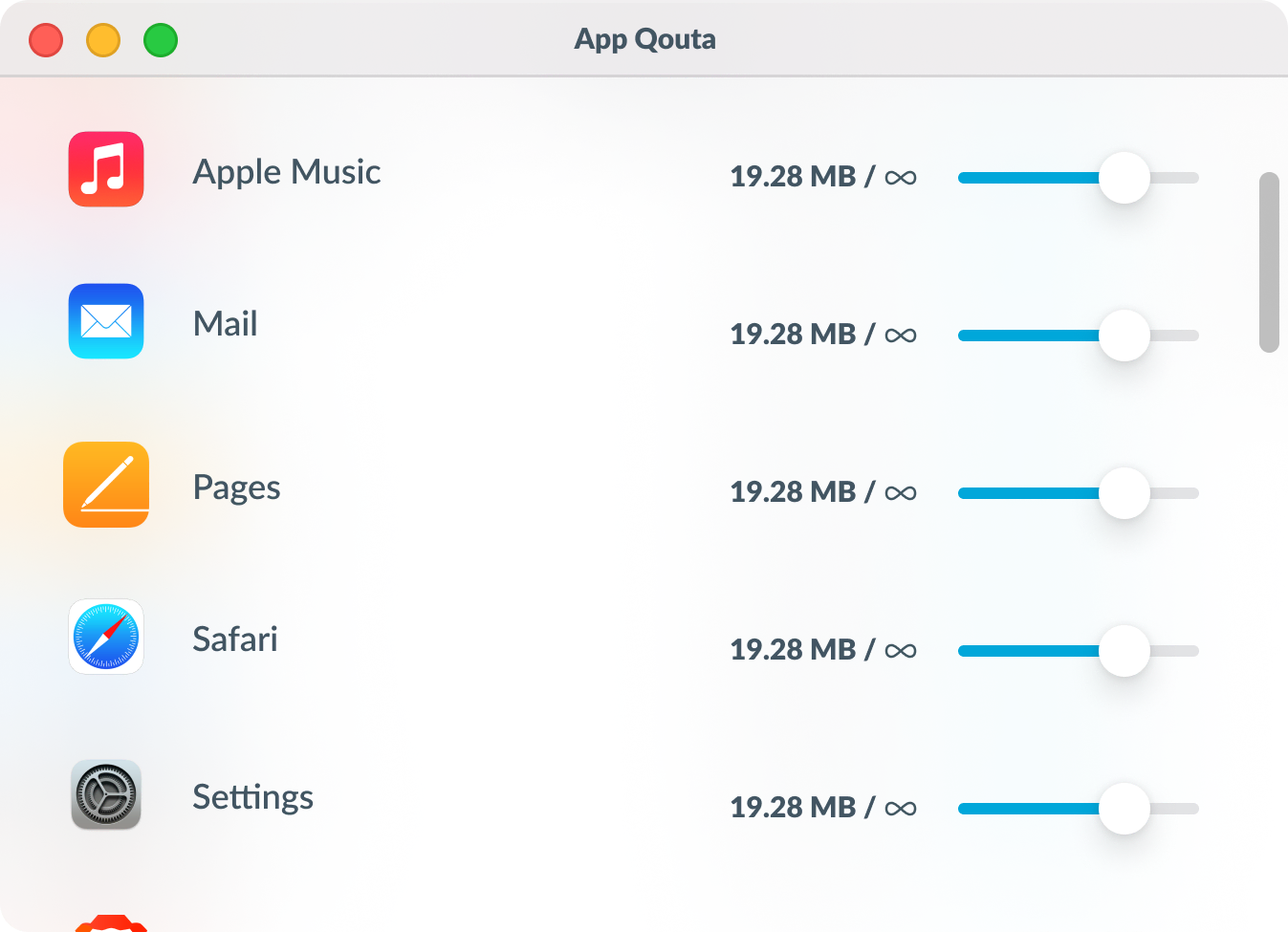
Give an app a session quota with a slider. When it hits the cap, DataCever cuts its network: automatically, locally, no notification needed. The app reconnects when you reset the session.
Useful for tethering, metered hotel Wi-Fi, conservation on tethered phone plans, or just keeping that one chatty Electron app honest.
DataCever uses Apple's Network Extension framework, the same building block Apple ships for its own per-app firewalling. Because it's distributed through the Mac App Store, there's no kernel extension and no installer asking for root. macOS asks you to approve the network extension once, on first launch.
One-time purchase on the Mac App Store. No subscription. No account.
Download on the App Store